Illustrative aqua television scene created for this guide

TVMates buying guides · UK edition

Sony TVsfor your kind of viewing.

Compare two BRAVIA 8 OLED sizes with a lower-priced 50-inch BRAVIA 2 II. All use Google TV, but their panel technology, gaming support and furniture needs differ.

01 · Exact UK models02 · Clear trade-offs03 · Useful checks

Retailer links open external product listings. Confirm the exact model and current offer with the seller. Hero artwork is AI-generated and illustrative, not a photograph of a featured product.

Our shortlist

Sony TVs compared

Compare the documented offer, practical specifications and our editorial assessment in one place.

Scoring brief: Sony TVs. See how the scores are calculated.

Source information checked Scroll to compare all details
Sony TVs: editorial scores, documented offers and specifications
ProductTVMates scorePrice / offerScreen & displaySmart platformListed refreshExplore
Sony BRAVIA 8 55-inchK55XR80PUFor a 55-inch OLED setup
£1,199Currys55 inchesDisplay: 4K OLEDGoogle TV120 Hz
Sony BRAVIA 2 II 50-inchK50S25M2PBFor a lower-cost Sony
£599Currys50 inchesDisplay: 4K LEDGoogle TV60 Hz
Sony BRAVIA 8 65-inchK65XR80UFor a larger OLED screen
£1,599Currys65 inchesDisplay: 4K OLEDGoogle TV120 Hz

Item prices checked on 4 November 2026. Delivery, installation and optional extras are separate. Check stock and the final basket total before ordering.

For a 55-inch OLED setup
01

Sony BRAVIA 8 55-inch

K55XR80PU

The smaller BRAVIA 8, with a 4K 120 Hz gaming path.

The 55-inch BRAVIA 8 combines an OLED panel with Google TV and Sony's XR processing. Currys lists 4K120, VRR and ALLM support, plus Dolby Vision.
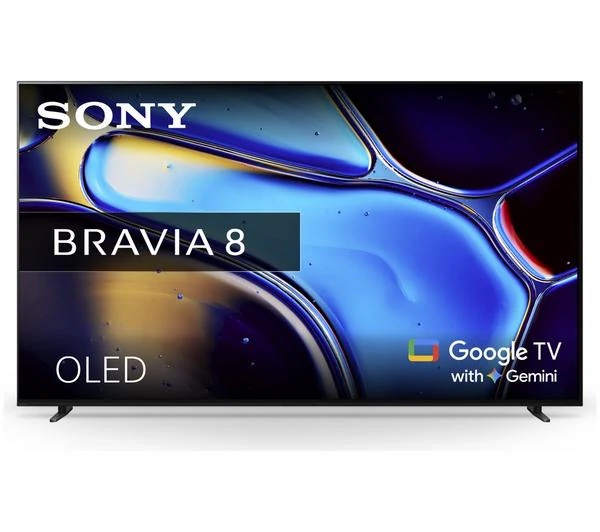
Sony BRAVIA 8 55-inch K55XR80PU
Retailer / manufacturer product image
  • 55 inchesScreen size
  • 4K OLEDDisplay
  • Google TVSmart platform
  • 120 HzListed refresh

Overview

The 55-inch BRAVIA 8 combines an OLED panel with Google TV and Sony's XR processing. Currys lists 4K120, VRR and ALLM support, plus Dolby Vision. There are four HDMI sockets in total, but only two are listed as HDMI 2.1. Map your high-bandwidth sources and audio connection before assuming all four inputs have identical capabilities.

At £1,199 when checked, it costs more than the 50-inch BRAVIA 2 II and less than the 65-inch BRAVIA 8. Its cabinet is 122.3 cm wide and the multi-position stand changes its height. Check the chosen stand arrangement if a soundbar will sit in front.

Plan the two high-bandwidth HDMI connections before deciding how the set will serve consoles, a PC and an audio system. The multi-position stand also creates a separate choice about soundbar clearance. Working through both together gives a more dependable installation plan than relying on the total of four HDMI sockets.

Key details

Sony BRAVIA 8 55-inch specifications
Checked price£1,199
Screen size55 inches
Display4K OLED
Smart platformGoogle TV
Listed refresh120 Hz

Reasons to choose

  • OLED with Dolby Vision
  • Listed 4K120, VRR and ALLM

Things to consider

  • Only two of the four HDMI inputs are listed as HDMI 2.1.
  • Confirm port allocation and the selected stand position.

Sources: Currys product information. Specification and offer information checked .

For a lower-cost Sony
02

Sony BRAVIA 2 II 50-inch

K50S25M2PB

Google TV at the lowest checked price in this shortlist.

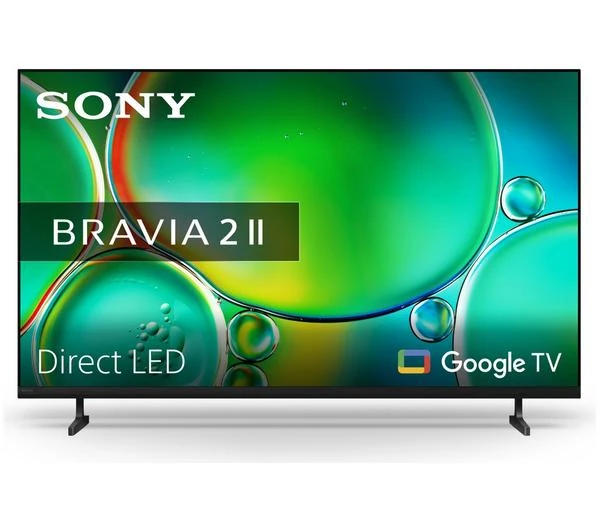
The BRAVIA 2 II keeps Google TV while moving to a smaller 50-inch LED screen. Its £599 checked price is substantially below either BRAVIA 8.

Sony BRAVIA 2 II 50-inch K50S25M2PB
Retailer / manufacturer product image
  • 50 inchesScreen size
  • 4K LEDDisplay
  • Google TVSmart platform
  • 60 HzListed refresh

Overview

The BRAVIA 2 II keeps Google TV while moving to a smaller 50-inch LED screen. Its £599 checked price is substantially below either BRAVIA 8. Currys lists four HDMI 2.0 inputs and a 60 Hz refresh rate, so it is a different proposition from the OLED models for high-frame-rate gaming.

The cabinet is 111.1 cm wide, with a listed stand depth of 25.5 cm. That makes it narrower than the 55-inch model, though not necessarily shallower on furniture. Choose it for the lower price, smaller size and platform fit rather than expecting every BRAVIA 8 feature at half the cost.

The lower price within this Sony selection does not make it the same proposition as a BRAVIA 8. It fits a household that wants the platform and several everyday inputs without paying for OLED or high-refresh modes. Compare the feature requirements first, then decide whether the Sony-specific shortlist is the right boundary for the budget.

Key details

Sony BRAVIA 2 II 50-inch specifications
Checked price£599
Screen size50 inches
Display4K LED
Smart platformGoogle TV
Listed refresh60 Hz

Reasons to choose

  • Lowest checked Sony price here
  • Four HDMI inputs and Google TV

Things to consider

  • LED and 60 Hz specifications differ from the OLED models.
  • It is not the 4K 120 Hz option in this selection.

Sources: Currys product information. Specification and offer information checked .

For a larger OLED screen
03

Sony BRAVIA 8 65-inch

K65XR80U

The BRAVIA 8 feature set in a wider living-room format.

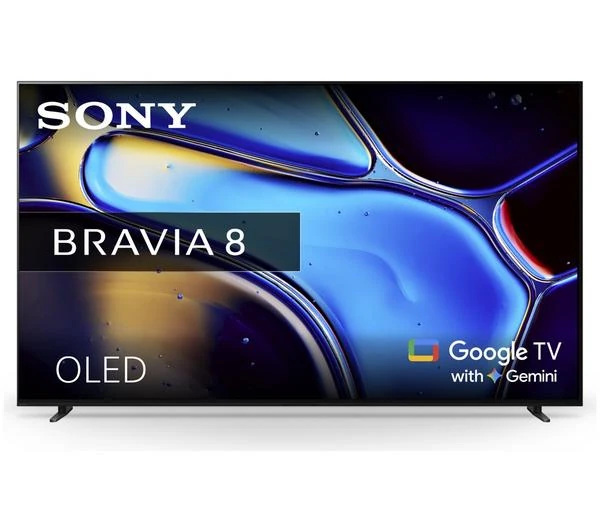
The 65-inch BRAVIA 8 offers a larger OLED screen with Google TV, Dolby Vision and listed 4K120 support. Like the 55-inch version, Currys lists two HDMI 2.1 and two HDMI 2.0b inputs.

Sony BRAVIA 8 65-inch K65XR80U
Retailer / manufacturer product image
  • 65 inchesScreen size
  • 4K OLEDDisplay
  • Google TVSmart platform
  • 120 HzListed refresh

Overview

The 65-inch BRAVIA 8 offers a larger OLED screen with Google TV, Dolby Vision and listed 4K120 support. Like the 55-inch version, Currys lists two HDMI 2.1 and two HDMI 2.0b inputs. Its Acoustic Surface Audio+ system is a documented feature, but we have not measured its sound or compared it with an external speaker system.

At £1,599 when checked, this is the largest and costliest Sony here. The cabinet is 144.2 cm wide and the stand depth is 24.8 cm. Check the multi-position stand's height and support arrangement, then allow room for access and ventilation around the wider screen.

The extra screen area is the central reason to choose this over the 55-inch BRAVIA 8. Mark out the 144.2 cm cabinet and the chosen stand position before paying the difference. The documented audio system is a feature to audition if possible, rather than a reason to assume an external soundbar will be unnecessary.

Key details

Sony BRAVIA 8 65-inch specifications
Checked price£1,599
Screen size65 inches
Display4K OLED
Smart platformGoogle TV
Listed refresh120 Hz

Reasons to choose

  • 65-inch OLED with Dolby Vision
  • 4K120 support and multi-position stand

Things to consider

  • Highest checked price and widest cabinet here.
  • Check which inputs support your gaming and audio requirements.

Sources: Currys product information. Specification and offer information checked .

05 / The buying advice

Look past
the box.

The details that make a difference after your purchase arrives.

Sony BRAVIA 8 55-inch
Model fitUseful featuresComplete offer
01

Separate the two BRAVIA ranges

BRAVIA 8 and BRAVIA 2 II share a brand and smart platform, but not the same panel or refresh specification. Compare the full model code rather than treating the BRAVIA name as a feature list.

02

Choose the size your room supports

The cabinets range from 111.1 cm to 144.2 cm wide. Mark out the screen at your usual seating position and measure the support footprint. Leave access for cables and ventilation.

03

Allocate the HDMI inputs

The BRAVIA 8 listings distinguish two HDMI 2.1 sockets from two HDMI 2.0b sockets. Check the exact port map and audio-return connection before connecting multiple gaming sources and a soundbar.

04

Check Google TV service requirements

Confirm the UK availability of the apps you need, along with account and subscription requirements. A familiar interface does not guarantee that every service or promotion remains available throughout ownership.

05

Plan the stand configuration

The BRAVIA 8 has a multi-position stand. Check its permitted arrangements and resulting height before placing audio equipment underneath the picture. Overall TV width is not the same as the support footprint.

06

Treat audio features as starting points

Acoustic Surface Audio+ describes Sony's audio system, not a measured listening score in this guide. If dialogue or bass is a priority, audition the exact model where practical and compare external audio options.

06 / Behind the guide

Clear about
what we know.

The product facts and offers retain their source-check dates beside each review. The expanded assessments and scores were added on 15 November 2026. They explain how the documented features and purchase conditions fit this guide’s intended use.

These are research-based editorial assessments. We have not carried out hands-on testing, laboratory measurements or independent compatibility and load testing. The scores do not establish measured performance or long-term reliability.

Research method

Published specificationsSource-linked offersEditorial assessment

How to use the evidence

The scores assess this buying brief: Sony TVs. A higher number reflects a stronger documented fit for that brief. Similar products can receive the same score, and scores from different buying briefs should not be treated as universal rankings.

Prices and available offers can change. Match the exact model and check the seller’s current delivery and returns information before buying. Reader feedback below concerns this guide and is separate from the product scores.

Models assessedPublished product information
How we calculate the TVMates score

We award up to 10 points using the same 4 criteria for every product in this guide. Component values are editorial judgements based on the documented specifications and offer. They are not customer review averages or laboratory measurements.

On smaller screens, swipe or scroll to see each product’s score.

TVMates editorial scoring rubric for this buying brief
CriterionMaximumK55XR80PUK50S25M2PBK65XR80U
Value for the stated briefThe dated price or offer status against the specification and intended use.32.52.12.3
Published display and input featuresResolution, display technology and documented signal support, without assuming measured picture quality.32.72.22.7
Platform and connectionsThe listed smart platform, device connections and relevant compatibility limits.21.71.91.7
Practical fit and offer confidenceThe size, installation requirements and certainty of a suitable purchase offer.21.61.71.5
Total score108.57.98.2

Scores assess the documented specification and dated offer for this guide’s intended use. They are editorial judgements, not measured picture-quality results. A restricted or unconfirmed purchase route reduces offer-confidence points.

Before you decide

A few final
questions.

Quick answers to common questions, so you can choose with confidence.

What is the main difference between BRAVIA 8 and BRAVIA 2 II?

The mapped BRAVIA 8 models use OLED panels and list 120 Hz refresh with 4K120 support. The 50-inch BRAVIA 2 II uses an LED panel and lists 60 Hz. All three use Google TV, but the shared software does not make their hardware equivalent.

Are all four BRAVIA 8 HDMI ports the same?

The retailer lists two HDMI 2.1 inputs and two HDMI 2.0b inputs on both BRAVIA 8 sizes. Check the exact port map for your intended signal and audio return. Four sockets do not mean four interchangeable high-bandwidth gaming connections.

Which Sony is the smallest here?

The 50-inch BRAVIA 2 II has the smallest diagonal and a listed cabinet width of 111.1 cm. The 55-inch BRAVIA 8 is 122.3 cm wide. Compare stand depth as well, because a narrower television can still need substantial front-to-back space.

Does Google TV include paid streaming services?

It provides access to supported apps, but paid subscriptions remain separate unless a specific current promotion says otherwise. Confirm UK service availability, account requirements and the terms of any bundled offer before counting it as part of the television's value.

Can I put a soundbar in front of a BRAVIA 8?

Check the selected stand arrangement, screen clearance and remote receiver position. The multi-position stand changes the installation dimensions. Our entry-level soundbar comparison can help with connection choices, but measure the bar and television together before ordering.

Should I choose the 55-inch or 65-inch OLED?

They share the main listed BRAVIA 8 features in this guide, so start with room fit and the price difference. The 65-inch set is 144.2 cm wide and cost £400 more when checked. A larger screen is not automatically a better fit.

Is the BRAVIA 2 II suitable for ordinary console use?

Its listed 60 Hz refresh can suit sources that output within the supported modes, but it is not the 4K120 choice here. Check your console's requirements and the television's exact input specification. Choose BRAVIA 8 if verified higher-refresh support is essential.

Your next step

A shortlist that fits your needs.

The BRAVIA 2 II is the lower-cost, narrower option. Choose between the two BRAVIA 8 OLEDs by room size and budget, then check the HDMI allocation and stand arrangement for your equipment.