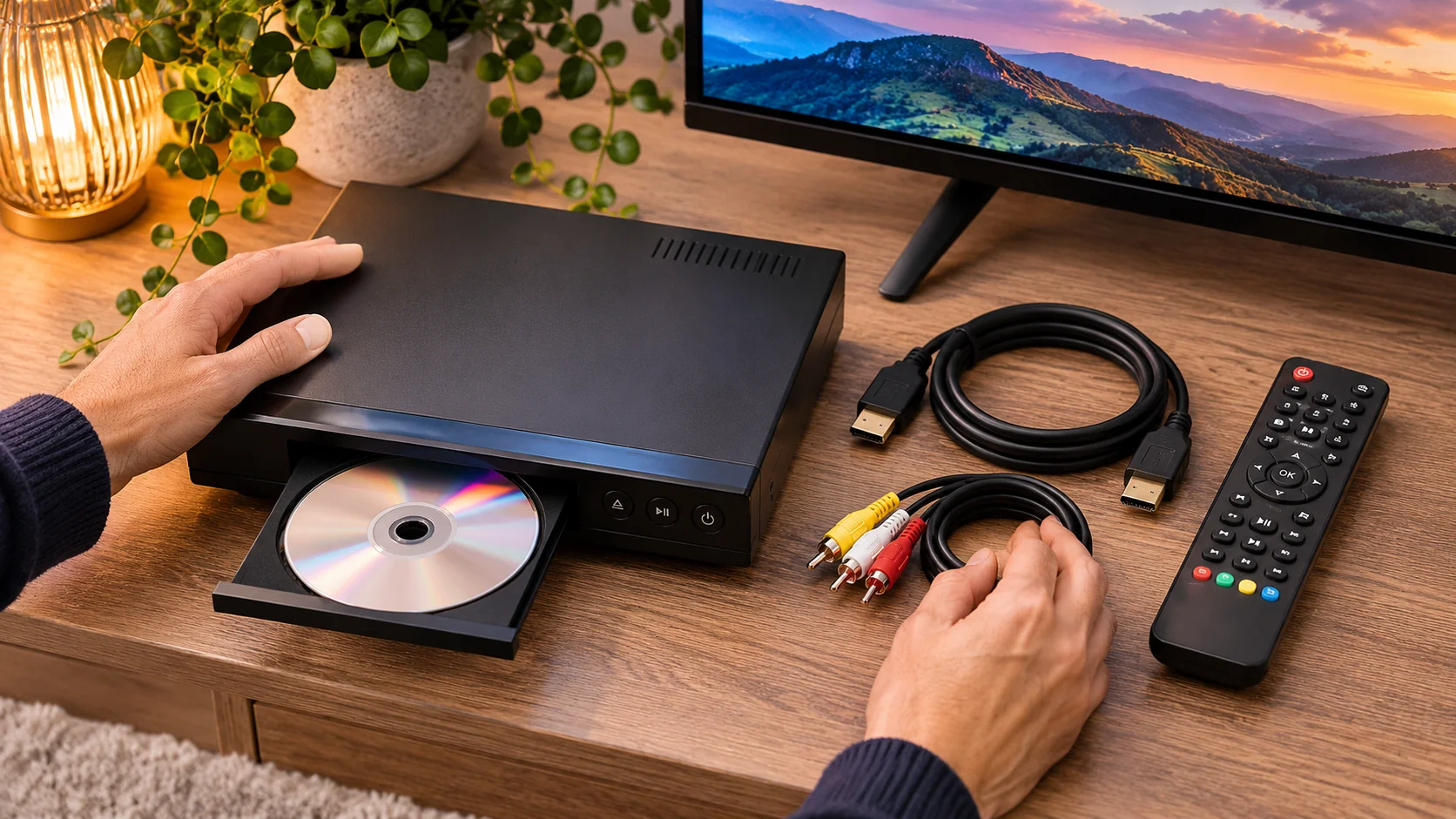
How to connect a DVD player to your TV
Connect a DVD player using HDMI or older AV sockets, choose the right input and solve missing picture or sound.
Read article →15 articles
Connect a DVD player using HDMI or older AV sockets, choose the right input and solve missing picture or sound.
Read article →
Restart or factory reset a Samsung TV, prepare for erased settings and find the correct reset menu for your model.
Read article →
Choose an official TV remote app for Google TV, Roku or compatible Samsung TVs, then check pairing and network requirements.
Read article →
Link a compatible Fire TV and Alexa device, understand voice-control limits and troubleshoot the account and network connection.
Read article →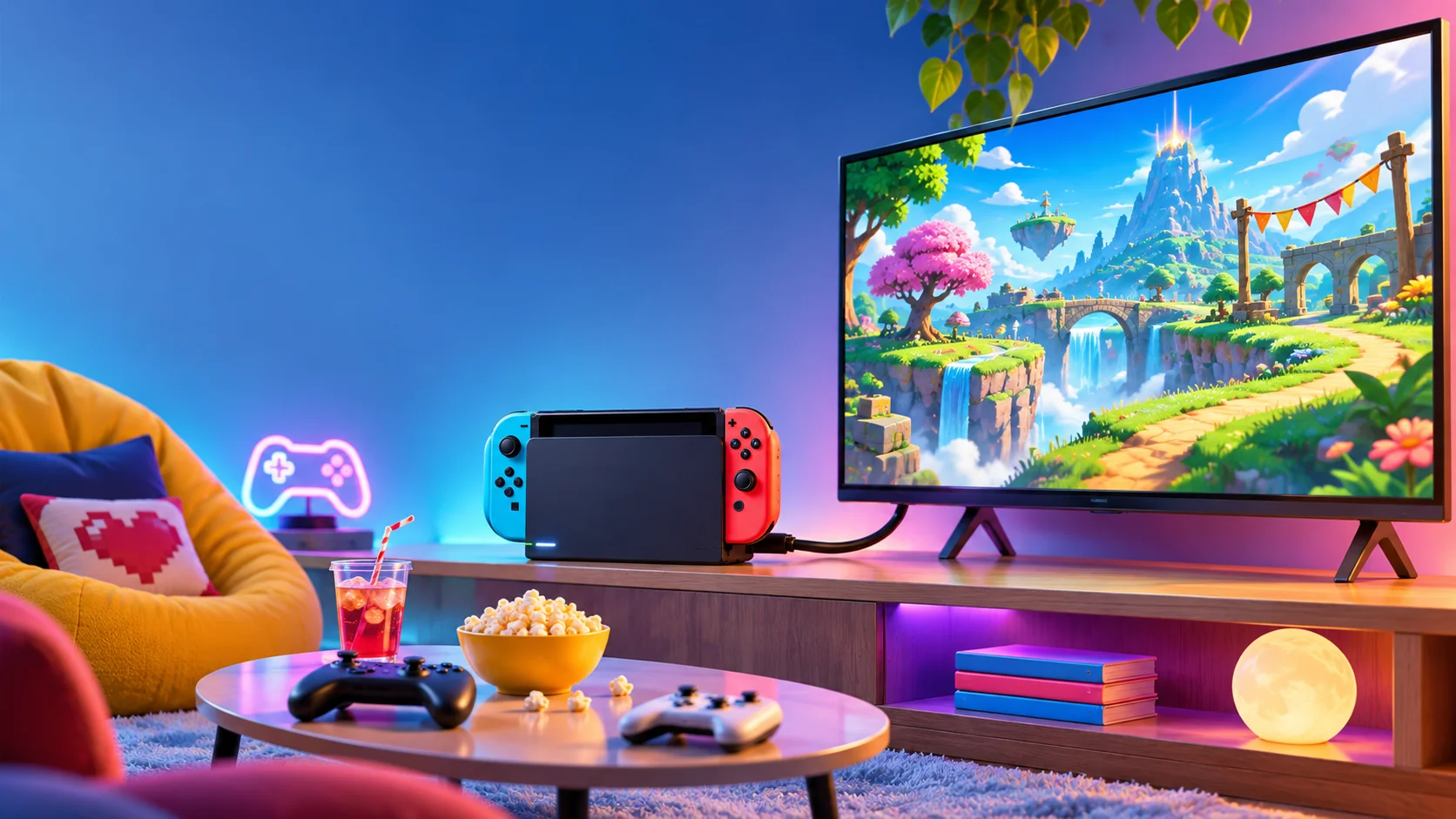
Connect a Nintendo Switch or OLED model through its dock, select the HDMI input and troubleshoot a blank television screen.
Read article →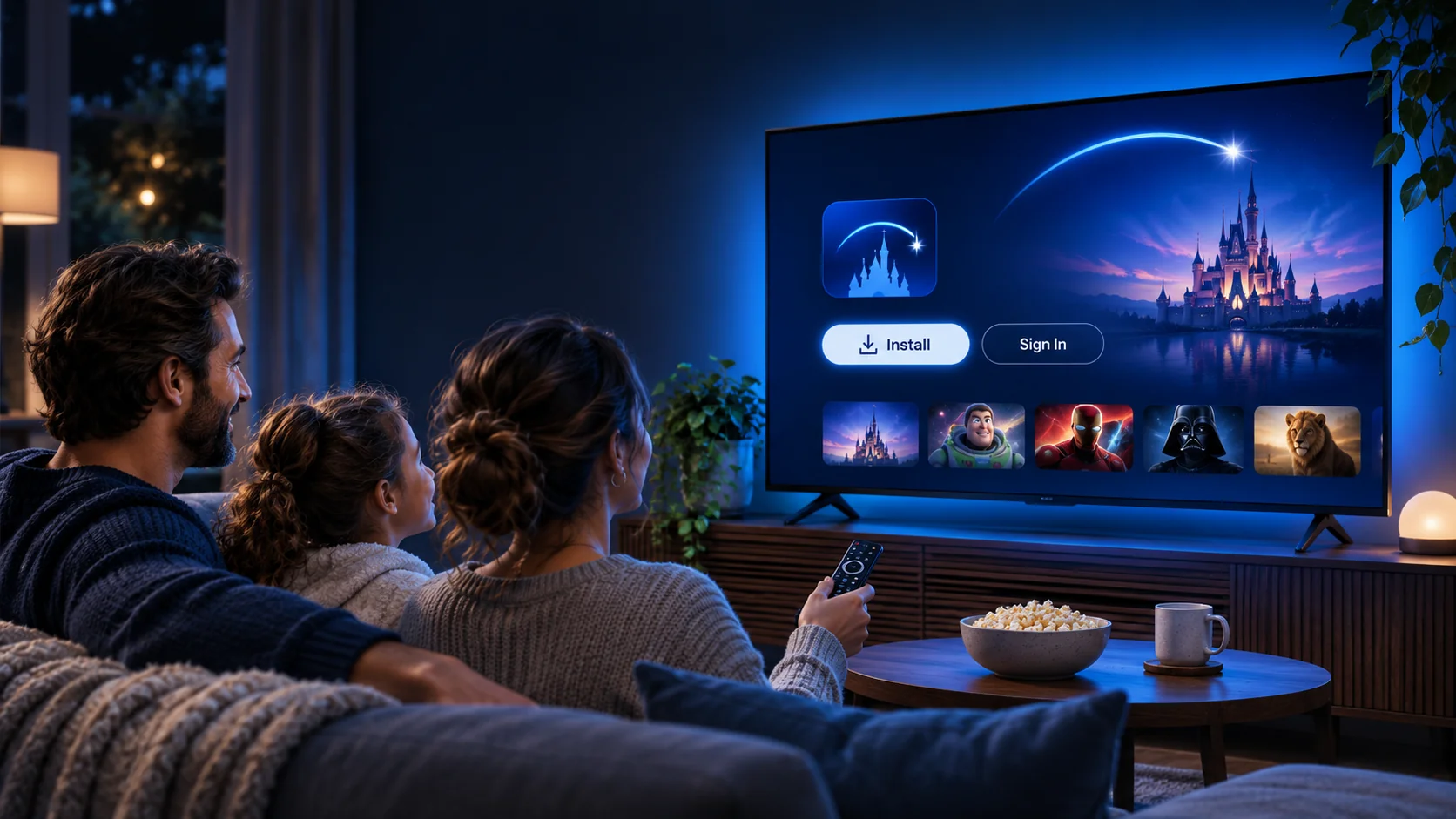
Check Disney+ compatibility, install the official app, sign in safely and choose a supported alternative for an older television.
Read article →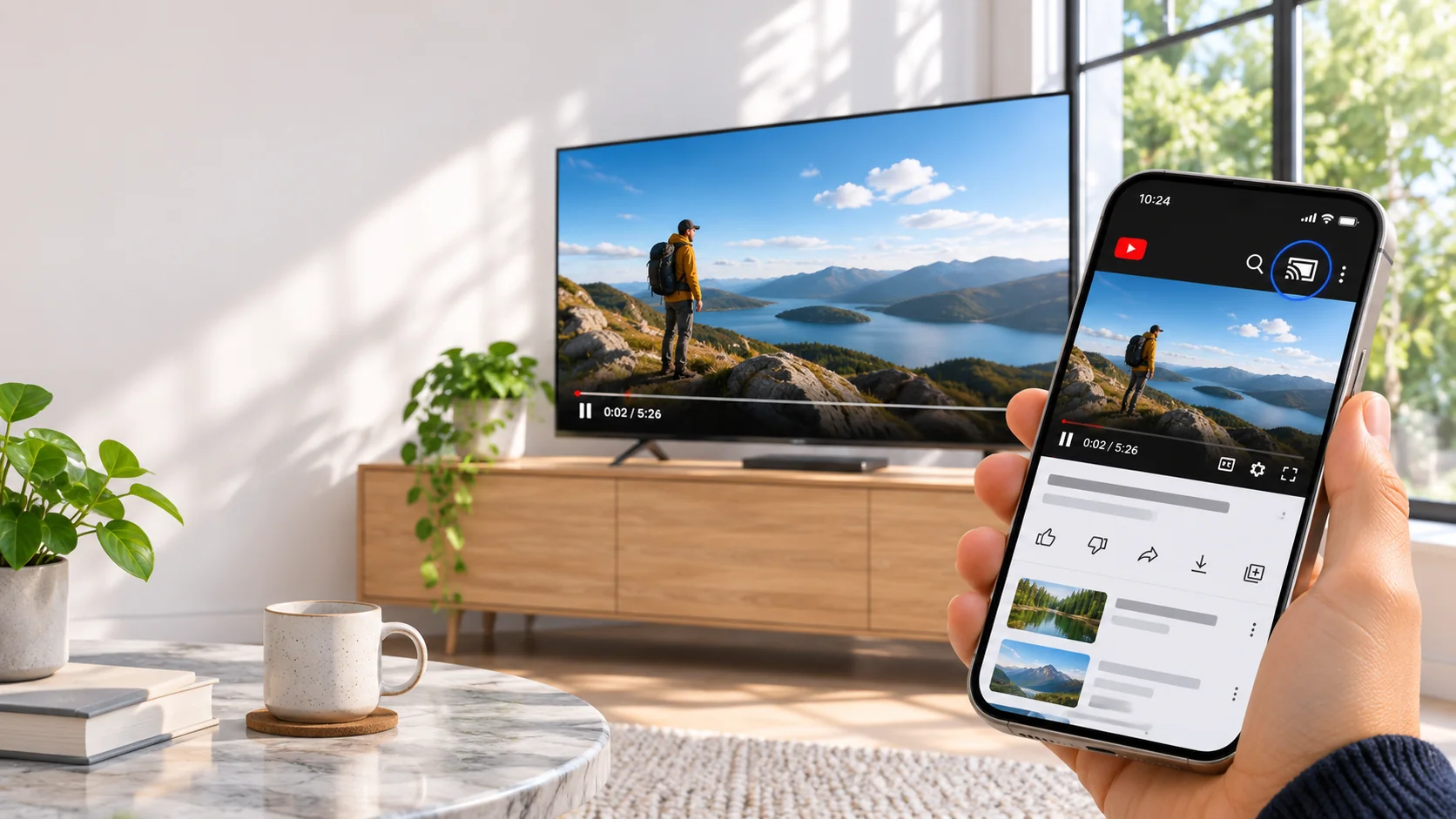
Cast YouTube from your phone, link with a TV code and troubleshoot missing devices without confusing casting with screen mirroring.
Read article →
Add streaming to a non-smart television with an HDMI device, set up Wi-Fi and understand why a USB Wi-Fi adapter is usually not enough.
Read article →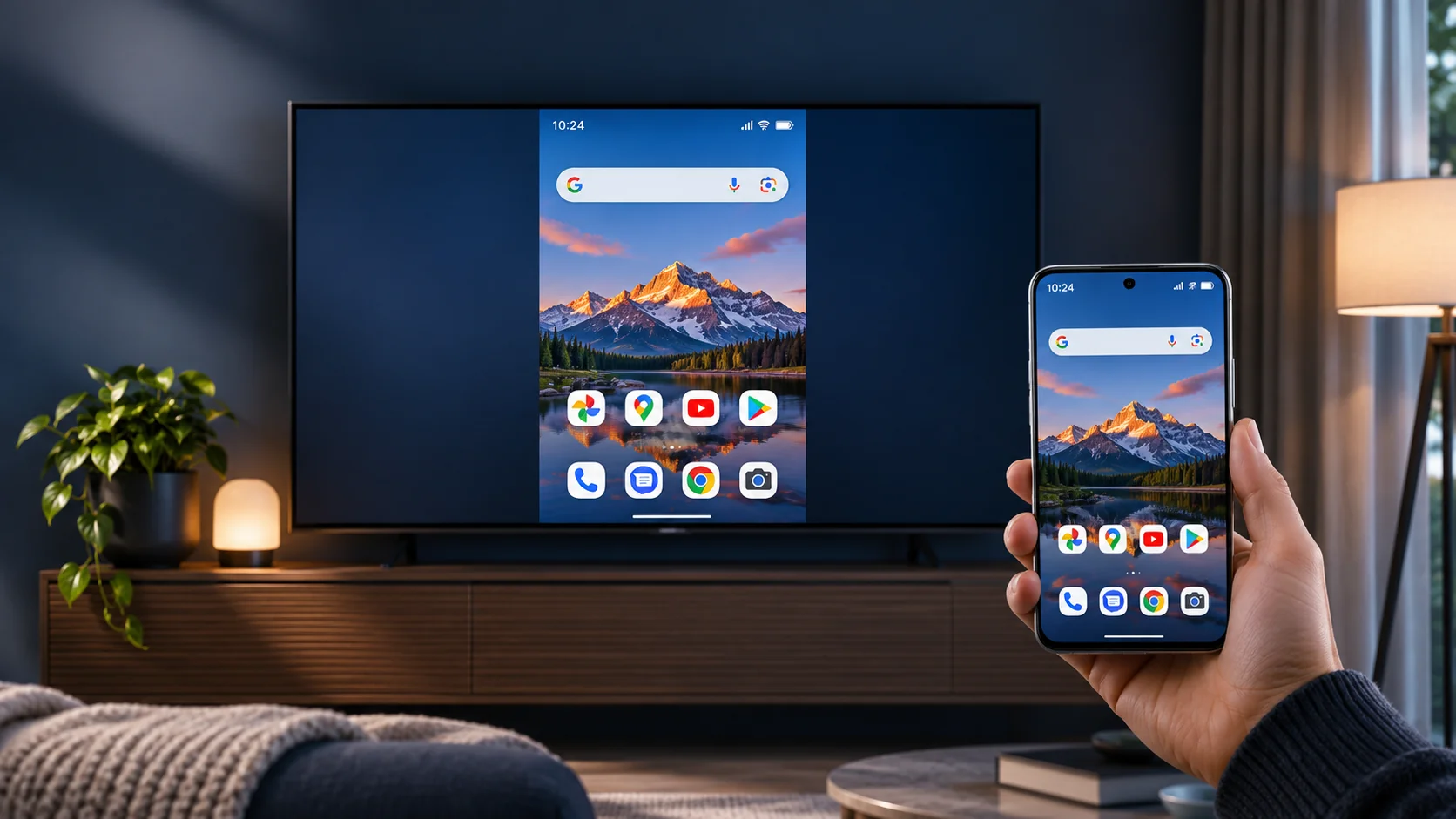
Choose between casting, AirPlay and screen mirroring, connect compatible devices and troubleshoot a missing or black picture.
Read article →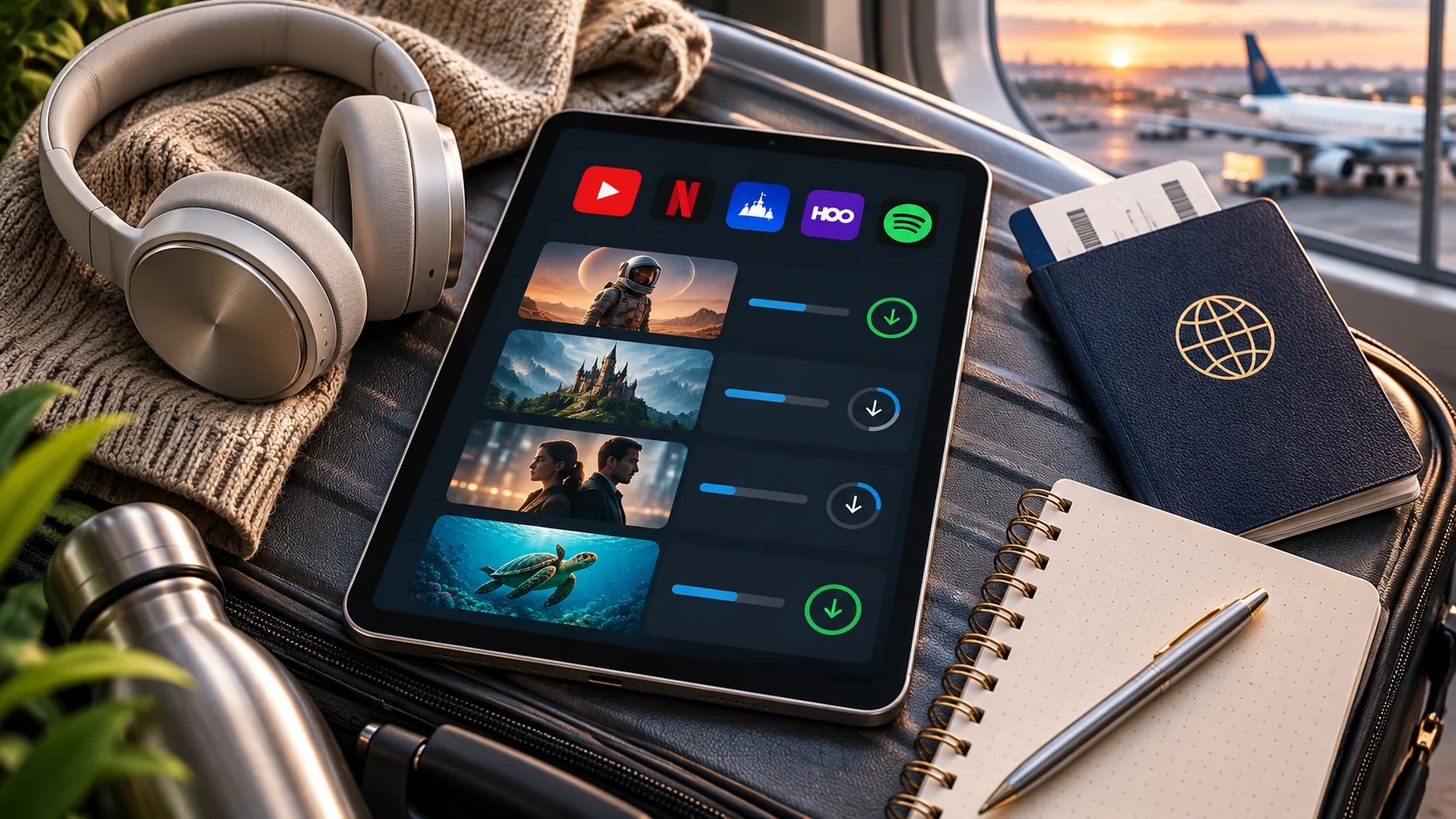
Prepare Netflix, Disney+ and Prime Video for travel, check download support and avoid relying on hotel Wi-Fi or overseas catalogues.
Read article →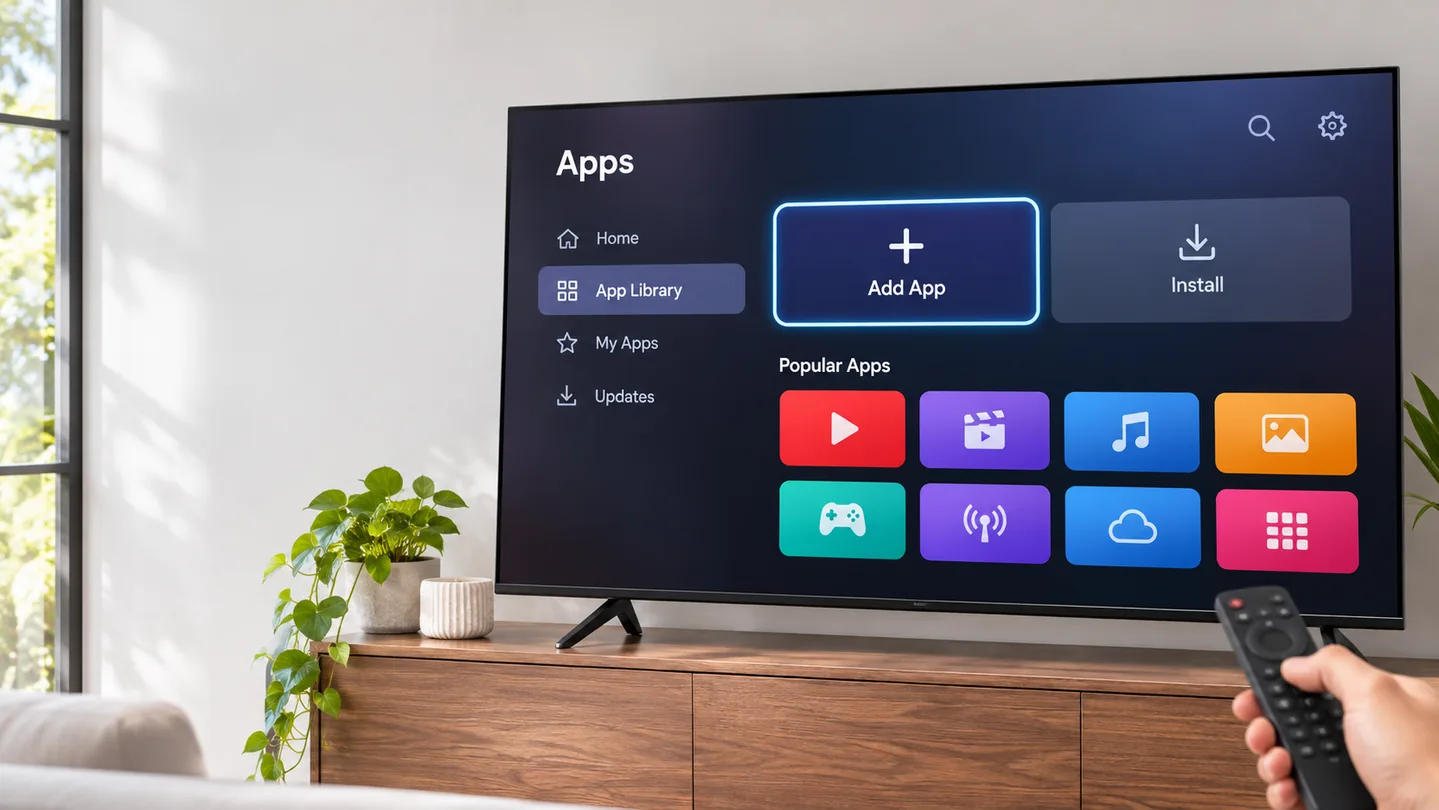
Find and arrange apps on VIZIO Home, understand older platform differences and choose a supported option when an app is missing.
Read article →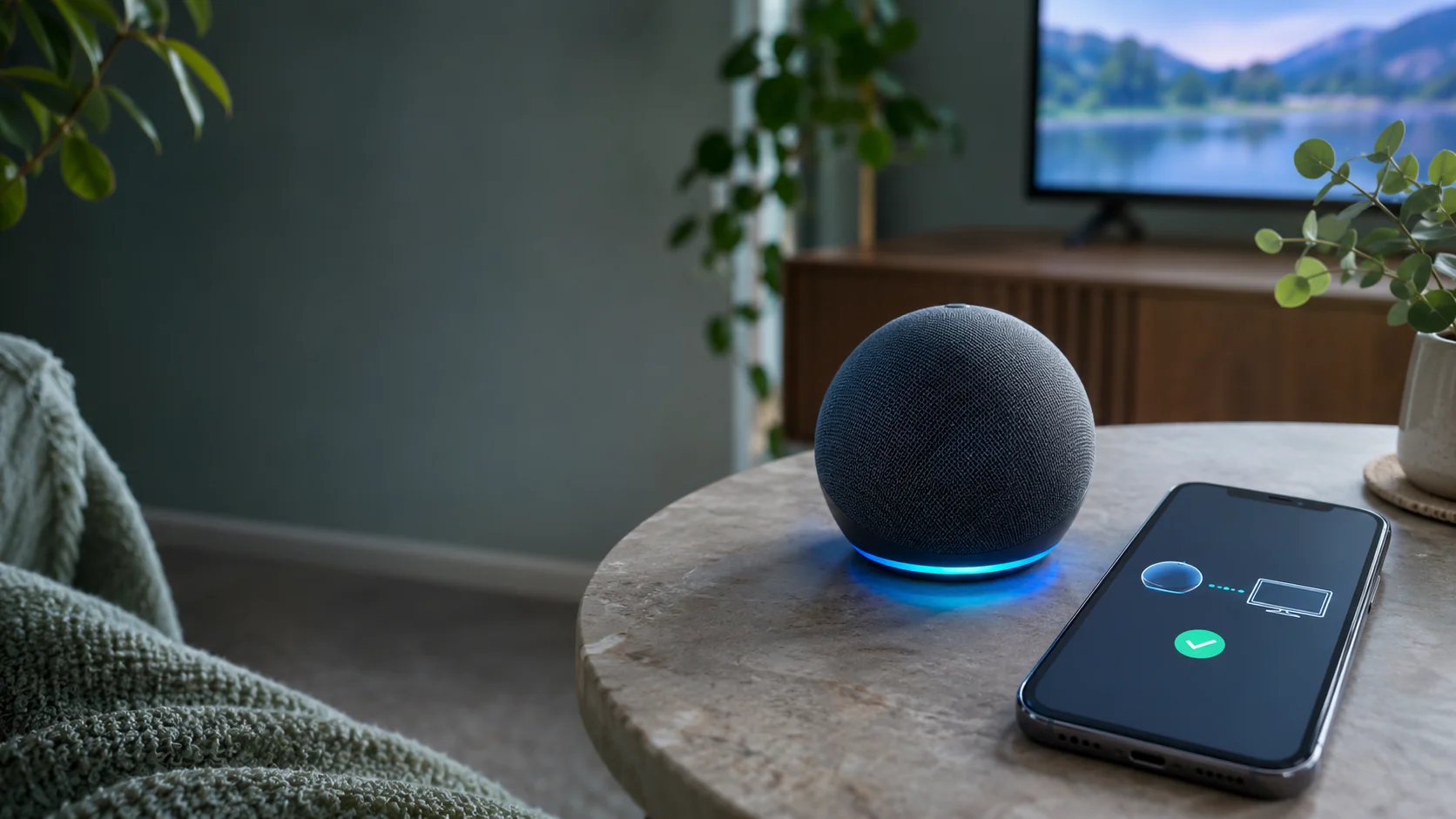
Identify your smart TV's Alexa integration, link a supported manufacturer account and troubleshoot discovery before using voice commands.
Read article →
Move personal media to Android TV using a checked USB route or a trusted transfer app, with attention to permissions and file compatibility.
Read article →
Update a Samsung TV through its settings or the correct USB firmware file, with checks for model identity and interrupted updates.
Read article →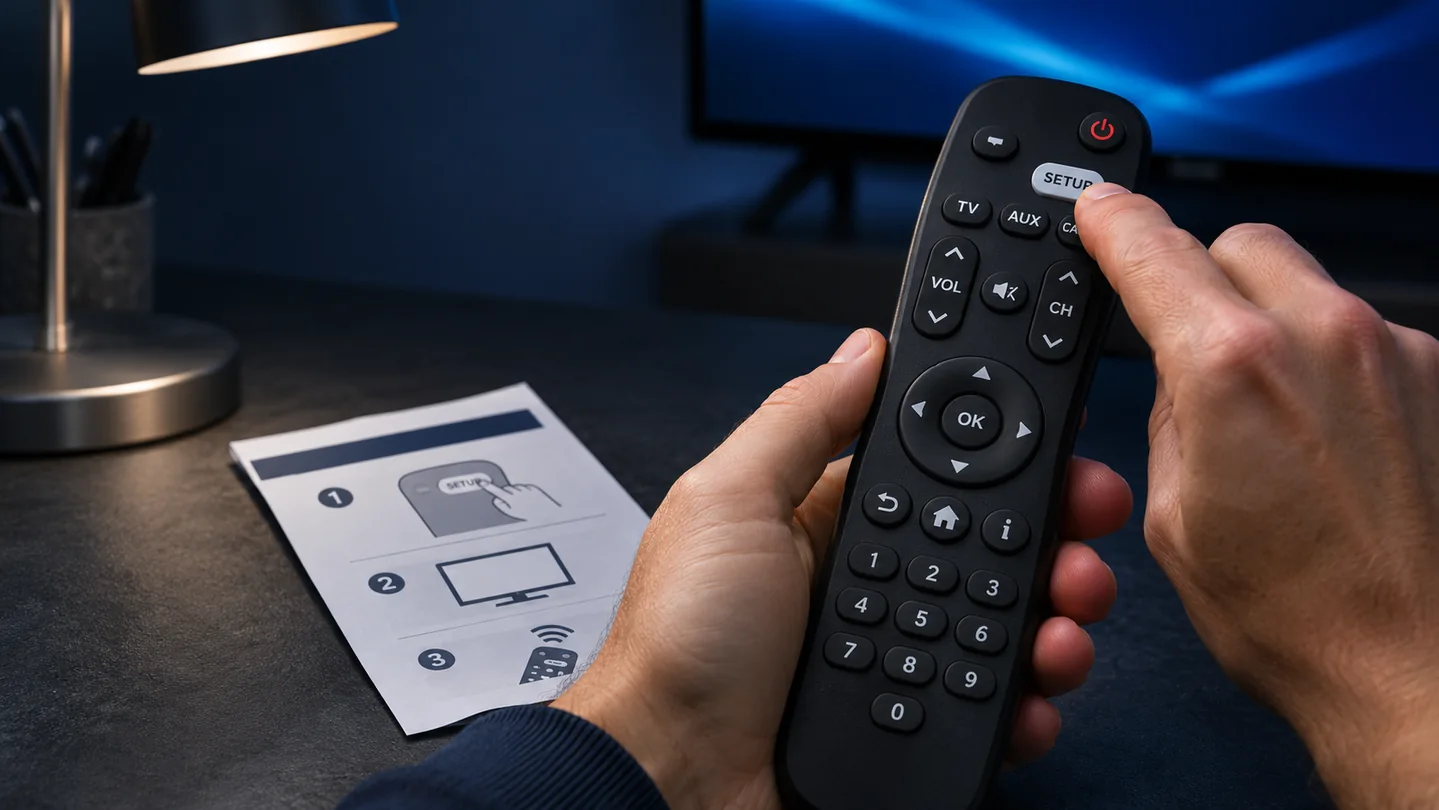
Identify your Spectrum remote and follow the URC1160 setup example, with code selection, volume control and troubleshooting checks.
Read article →